Overview
On-site contract Creative Technologist for the Museum of Money in Dallas, Texas.
Software installation and testing of 6 museum interactives, majority Unity based but also some with NodeJS middle ware, and React based html/js interfaces. On site physical computing work: coding interaction between existing Unity app and encoder wheels and arcade buttons, both in Unity with C# and Node Javascript. Windows machine setup and batch file creation. Troubleshooting, working with AV vendors and site staff to diagnose and fix issues.
This project was a deep dive into problem-solving, hardware integration, and collaborative installation work—turning complex technical challenges into seamless visitor experiences.
My first work with Fivestone Studios was creating the locally based Generative AI system in a photobooth-style experience for Museum of Money’s “Design Your Own Currency” interactive. To read more about that, check out my other page breaking down the project: Generative AI Creative Technologist
Months later, the Museum of Money (aka ‘MoMoney’) was getting ready to install, and I was asked back to join Fivestone Studios again as an On Site Creative Technologist. Biggest responsibility was to code the physical interaction for an experience called “Interest Invaders”
Physical Computing On Site: Interest Invaders
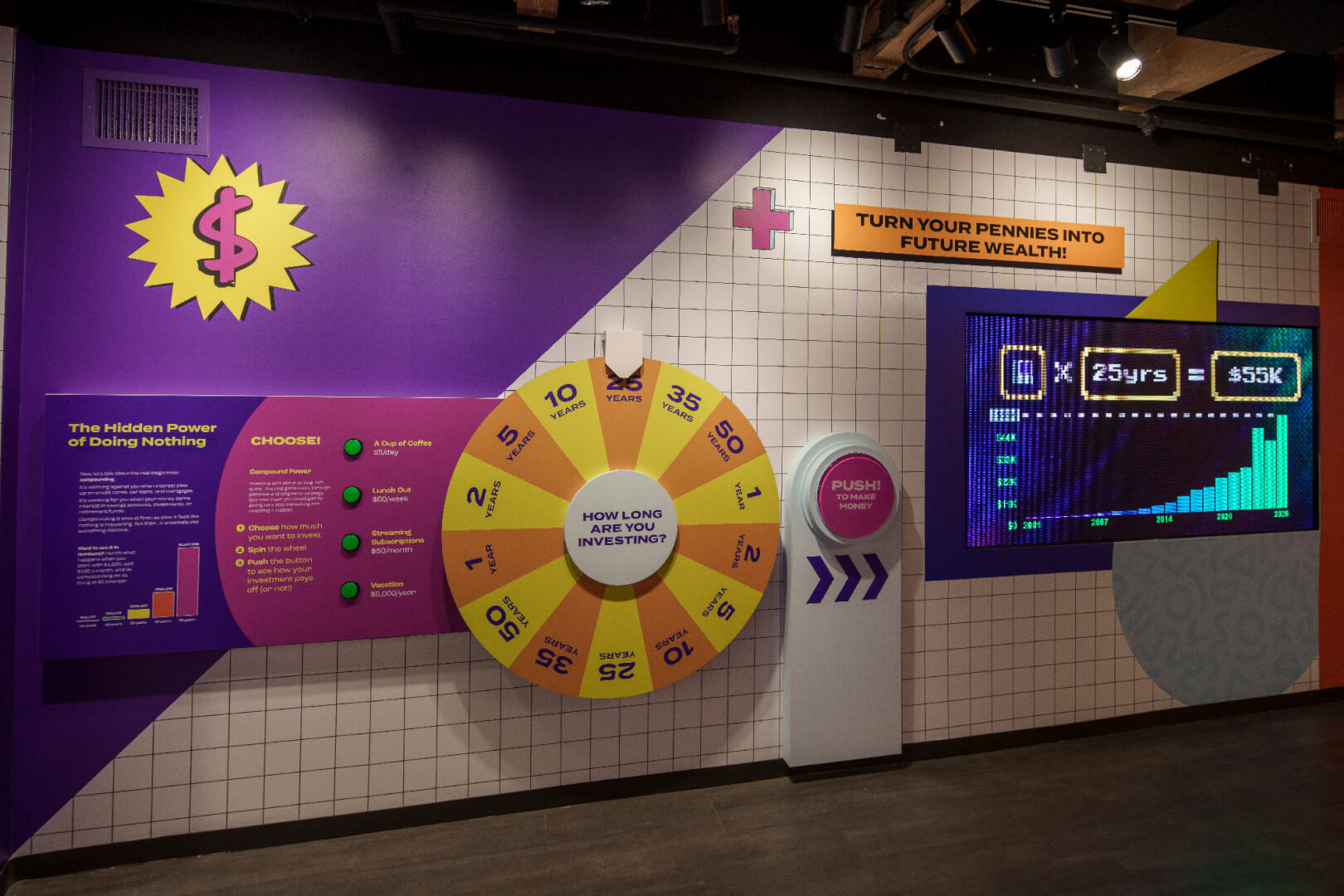
Interest Invaders is an interactive that uses 8-bit video game style, chunky pixelated graphics to teach about the power of earned interest over time. A museum goer can select an item to give up, like a daily coffee or a weekly burger. How much money would you make over time if you saved that money and let interest accrue? Spin the wheel to see how many years! Next to the item selection buttons is a large, gameshow inspired wheel to spin. This selects the number of years to save your dollars, and a final, larger button is pushed to calculate how much you would make over years. The results are shown on the screen to the right.
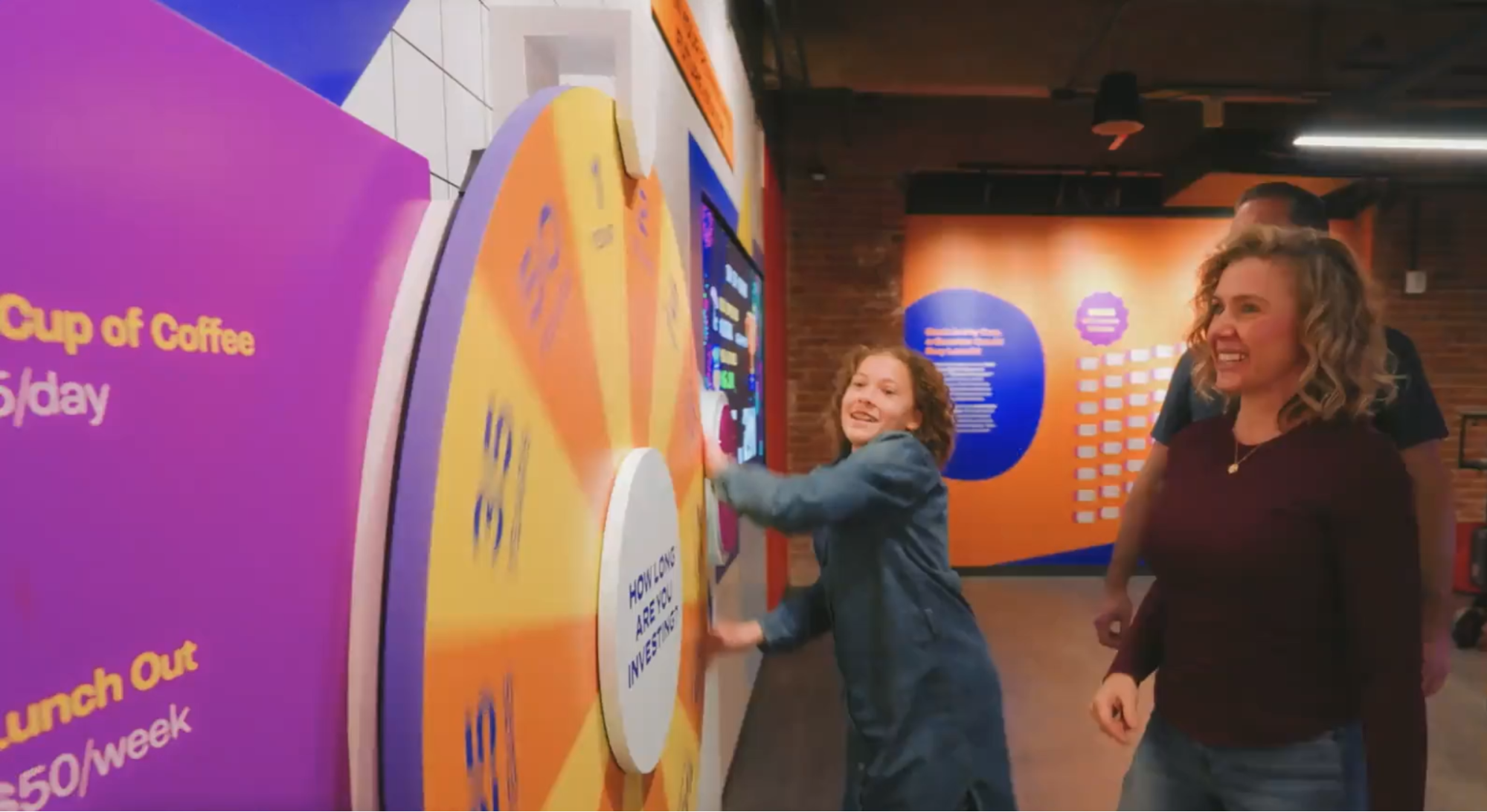
Hardware that was selected was examined on site, and I started coding during the install. The existing Unity program driving the screen was already made, however it was set up for keyboard and mouse interactions that our hardware did not provide. Learning the hardware platforms in question, I programmed Node middle ware that read the buttons and rotary encoder wheel. This then used web sockets to communicate with Unity. Then, on the Unity side, I programmed in C# to change the previous input methods to work with the new websocket communication method. This included overall project and code analysis, some reworking of the approach for state and feedback, as well as general collaboration with the rest of the team and client to tweak particulars in order to feel right.
Calibration and Maintenance
Once the main interaction was complete, the team focused on quality-of-life features for museum staff. If the physical wheel needed removal for repair or replacement, or if drift occurred, we needed a simple re-calibration system that non-technical staff could use. I implemented a secret input sequence that puts the experience into calibration mode, where staff can position the wheel at a designated point.
The calibration mode includes audiovisual cues for clarity and ease of use, and we tested the procedure thoroughly with staff on-site and created documentation. This turned what could have been a complex technical problem into an elegant, accessible solution.
Security details of specific platforms and sequences are not shared here.
Other Physical Interactions and Installations
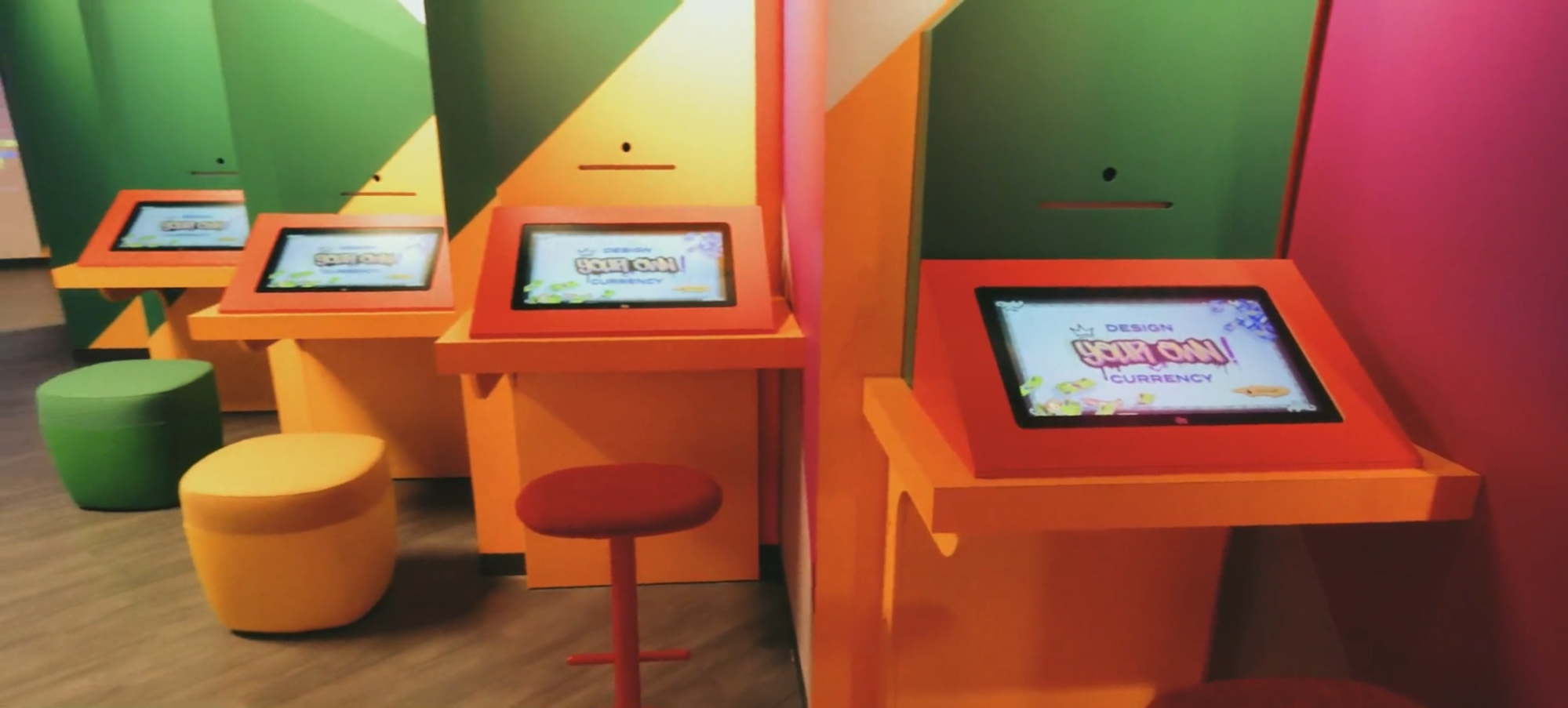
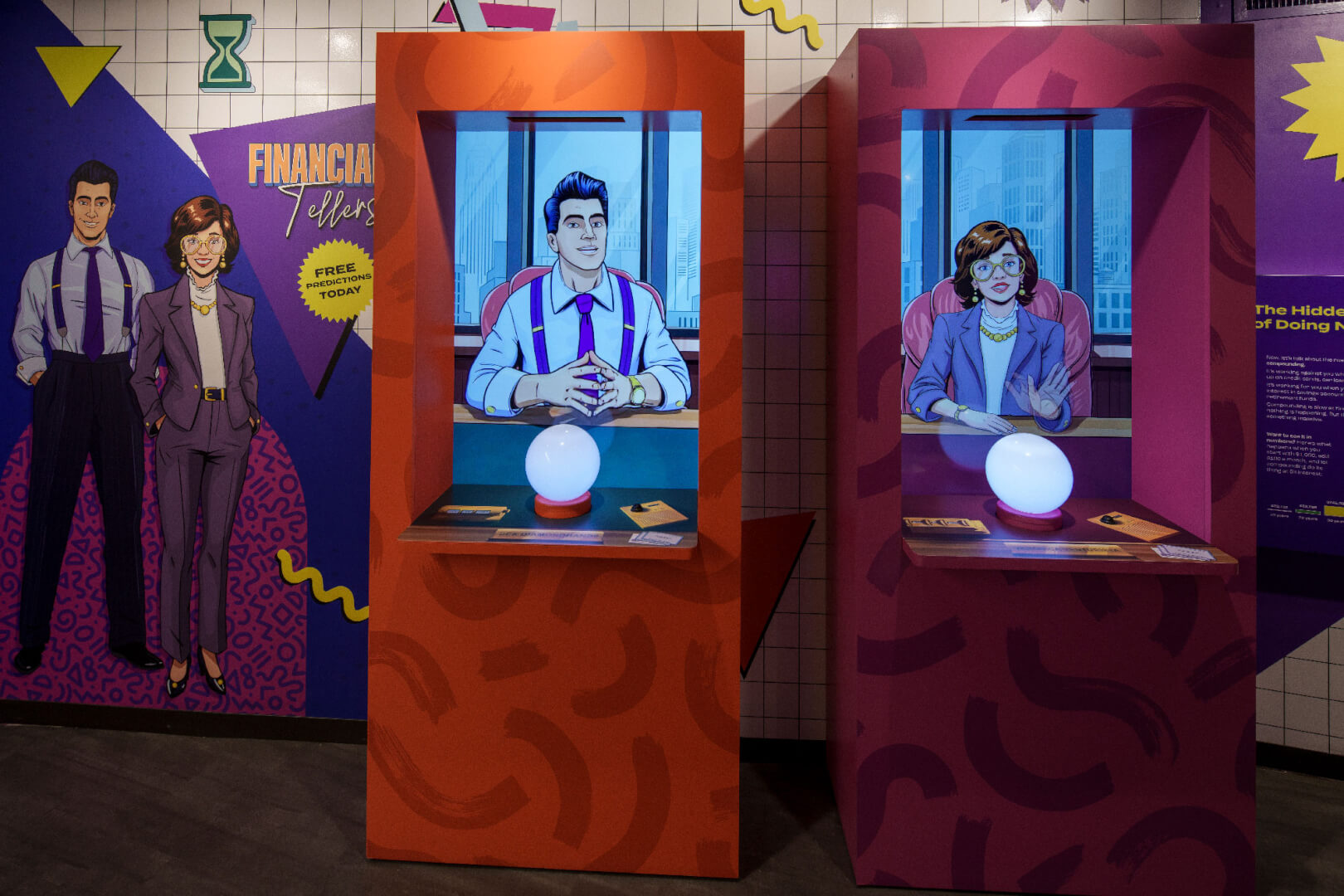
After tackling “the hardest” task of Interest Invaders, I was able to share my work with other team members for other interactives. The spot light for the face on “Design Your Own Currency”, the pressure sensitive glowing ball for “Financial Tellers” used similar, yet distinct platforms and code systems. With the biggest questions and concerns being addressed, I was now able to collaborate with other programmers on and off site, install, calibrate, and troubleshoot the lights and interactions of these other interactives easily.
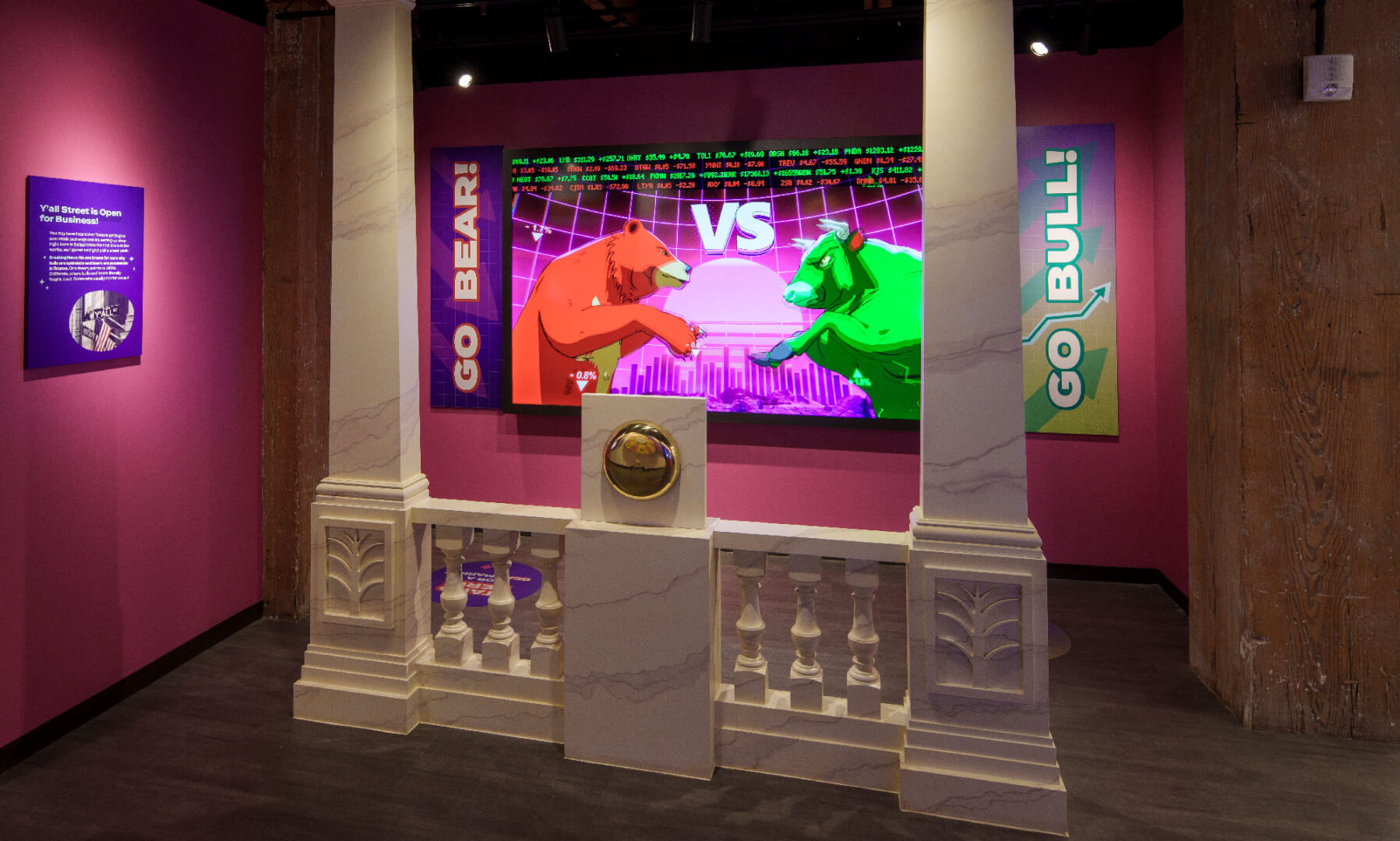
However, the “NYSE Photo Experience” interactive used an entirely different physical computing paradigm than the others. This was put in place in coordination with the AV vendor, and used networking technology instead of serial ports. The existing Unity C# program needed to be updated accordingly, and while implementing, new and updated art assets were provided for the experience. This also required some slight tweaking of the Unity project, but not an issue since I was already poking around inside of it.
Broader Installation and Troubleshooting
Beyond the primary interactives, several others required configuration and testing. Some interactives used duplicate machines managed through JSON configuration files to adjust aesthetics and functionality. The broader topology involved remote machines and complex cable runs, requiring careful management of remote access and testing of specialized devices like USB repeaters.
"Financial Tellers" used voice recognition to interact with cartoon characters, looking for specific words to determine responses. This required extensive testing and verification, including managing debug modes and logs to diagnose issues at multiple levels—microphone input, text-to-speech processing, and program logic.
This work required coordination across my Fivestone team, AV vendors, fabrication vendors, and various client stakeholders. It's a reminder that creating a special museum experience requires careful attention to countless details, but the satisfaction of a fully functioning, elegant installation makes it all worthwhile.
You can also see the comprehensive writeup of all Fivestone Studios' Museum of Money work on their website.